How to Access Meebhoomi AP 1B and Adangal Records Update 2025
Accessing land records in Andhra Pradesh has never been easier, thanks to the Meebhoomi portal. Whether you need to view your 1B (ROR-1B) or Adangal records, this portal provides a quick and convenient way to do so from the comfort of your home. No more waiting in long queues at government offices! In this article, I’ll walk you through how to easily access your land records, what each record represents, and answer some common questions. Let’s dive in!
Meebhoomi AP 1B and Adangal Records
To begin, you need to go to the official Meebhoomi website: meebhoomi.ap.gov.in.
On the homepage, you’ll find options to select either:
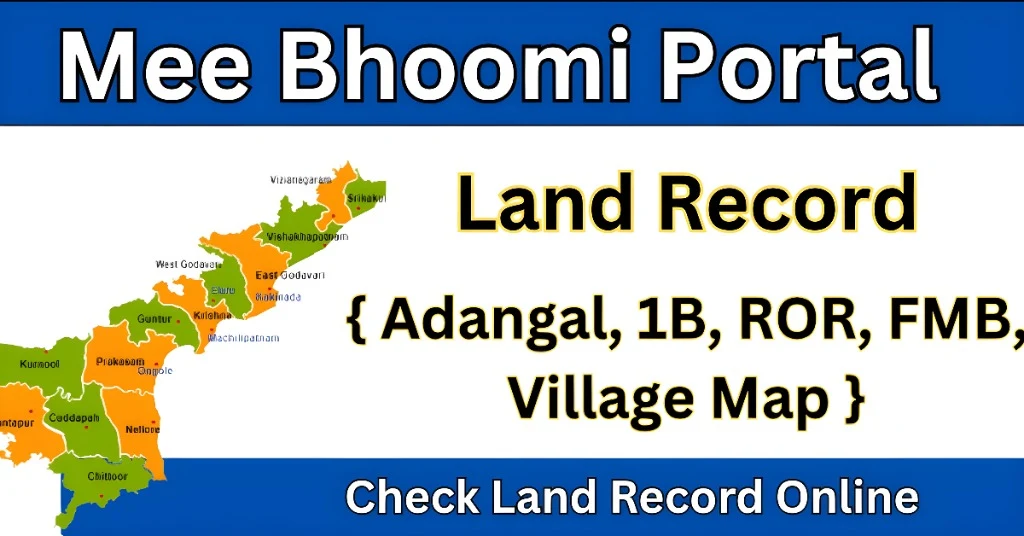
Adangal – This document displays information about crops, soil type, tenancy, and land classification. It is mostly used for agricultural purposes and resolving land disputes.
1B (ROR-1B) – This record shows ownership, liabilities, and land transaction history. It is commonly used for legal purposes and bank loans.
To retrieve your land records, enter the following details:
Survey Number or Account Number (or Aadhaar Number, depending on the record type)
District
Mandal (Tehsil)
Village
Once you’ve submitted the form, your land record will appear. You can:
Print it for your personal records.
View it directly online.
Download it as a PDF.
How to Access Meebhoomi AP on Your Mobile
Meebhoomi doesn’t just work on your computer—it’s mobile-friendly too! Here’s how you can access the portal on your phone:
Android App: Download the official Meebhoomi app from the Google Play Store for easy access.
Mobile Browser: If you don’t want to download the app, simply visit meebhoomi.ap.gov.in on your mobile browser.
Understanding the Difference: 1B vs. Adangal
1B (ROR-1B): This is an official legal record showing the ownership details of the land, including any liabilities and transaction history. It’s used for legal transactions like property sales, mortgages, and bank loans.
Adangal: This is more specific to agricultural land, showing crop cultivation details, the soil’s condition, and tenancy status. Farmers typically use it for tax purposes, agricultural subsidies, and resolving land disputes.
How to Correct Errors in Your Land Records
Sometimes, mistakes happen! If you notice discrepancies in your Meebhoomi land records, here’s how to fix them:
File a Complaint: You can file a complaint about the issue via the “Complaints” section on the Meebhoomi portal.
Visit the Revenue Office: If the issue isn’t resolved online, visit your local revenue office with your documents to request corrections.
Supporting Documents: Make sure to have documents like ID proofs, land titles, and any other relevant paperwork that supports your claim.
Tips for Smooth Access
Double-check details: Before entering your details on the portal, make sure they are accurate to avoid errors in your records.
Use updated browsers: The Meebhoomi portal works best with up-to-date browsers like Google Chrome or Mozilla Firefox.
Have your mobile number handy: Some services require OTP verification. Keep your registered mobile number ready to complete this process.
What to Do If You Face Issues
If you experience issues such as missing records or discrepancies in your details:
File a Complaint: Use the “Complaints” section on the Meebhoomi portal to report any issues you face. They’ll look into your problem and get back to you.
Contact Meebhoomi Support: If you’re unable to resolve the issue through the portal, reach out to the Andhra Pradesh Revenue Department’s customer support for further assistance.
FAQs
Final Words
With the Meebhoomi portal, accessing your land records in Andhra Pradesh is now a simple and hassle-free process. Whether you need the 1B record for legal purposes or the Adangal for agricultural needs, the steps are straightforward. Follow the guide, and you’ll have your records in no time.